See what's filling your Mac. Free it up in one click.

DiskLens shows you exactly what takes up space on your disk, then helps you clean it up safely.

Buy DiskLens for $9 →

Pay once · No subscription · For Apple silicon Macs, macOS 14+

How it helps

Three steps to a
lighter Mac.
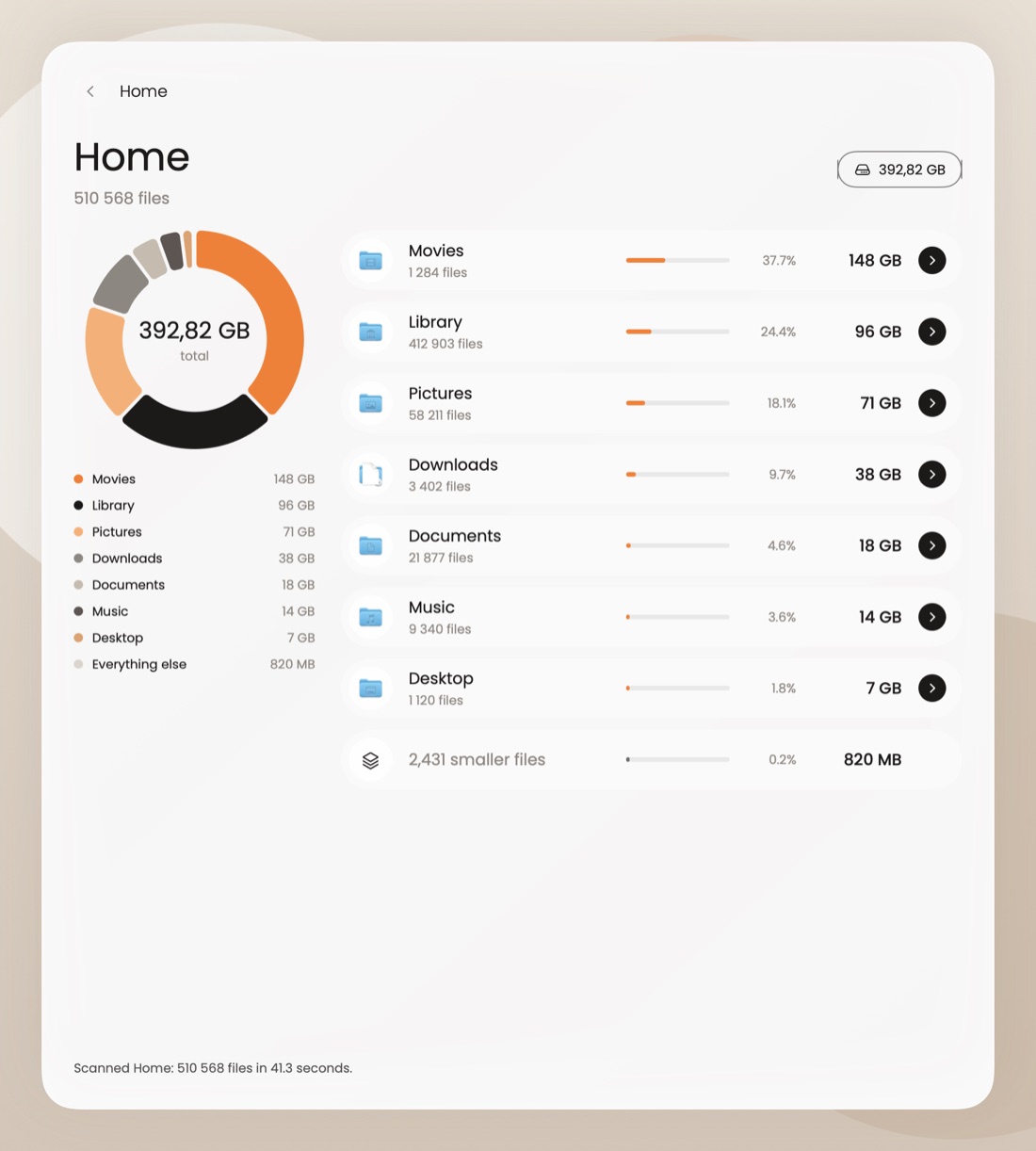
DiskLens showing folders sorted by size
1

See where space went

Every folder sorted by size. No more guessing what's eating your disk.
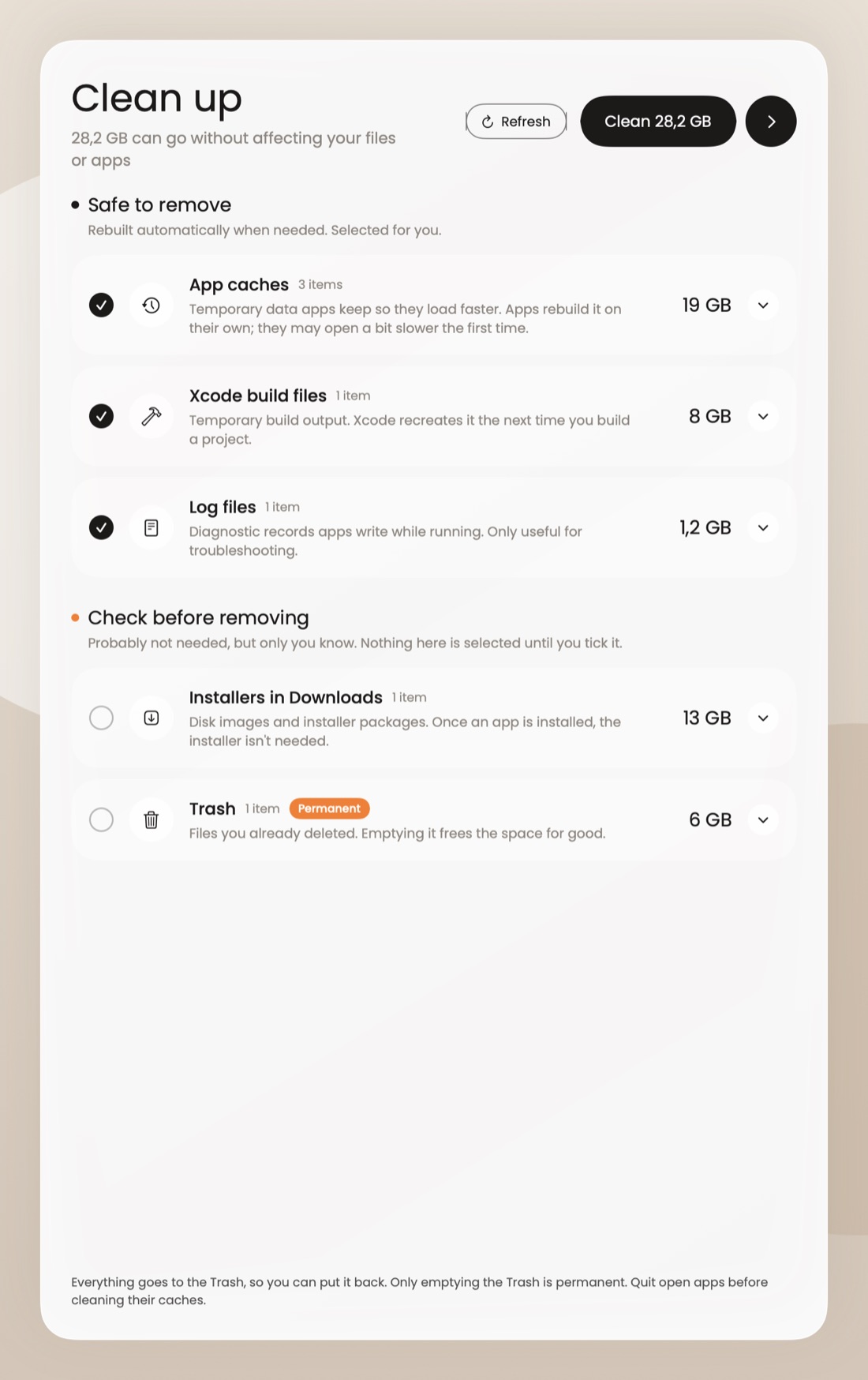
DiskLens Clean Up screen with a Clean button
2

Clean it in one click

Caches, logs and junk you never need. Everything goes to the Trash first, so you can undo.
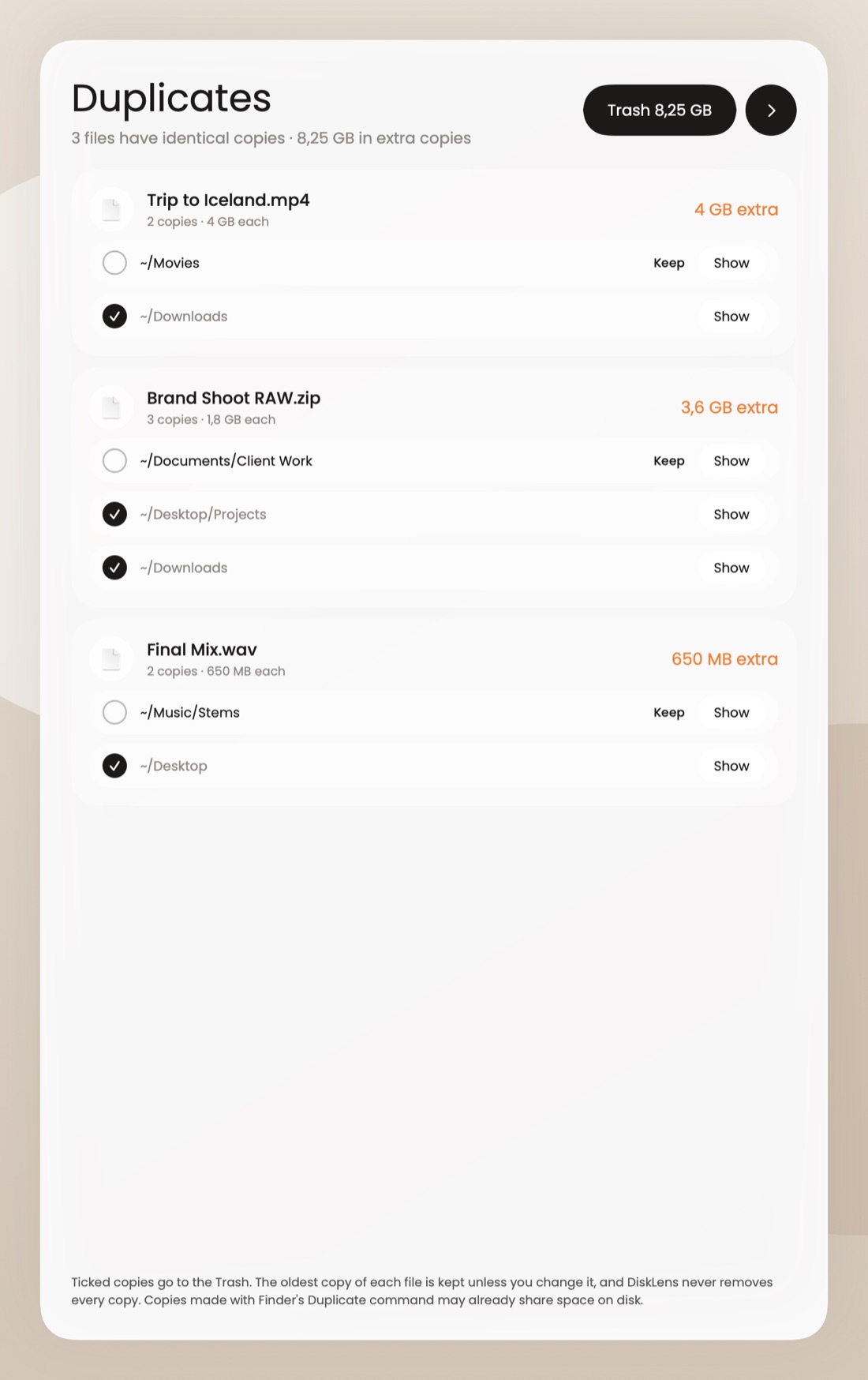
DiskLens finding duplicate files
3

Keep it free

Remove duplicate files and old apps completely, and watch free space from the menu bar.

Who it's for

Sound familiar?

A few everyday Mac problems, and what DiskLens does about them.

Your Mac says the disk is almost full, and you have no idea why.

DiskLens sorts every folder by size, so the culprit (an old video project, a forgotten download) shows up in seconds.

You deleted apps, but the space never came back.

Apps leave caches and support files behind. DiskLens finds those leftovers, even from apps you removed long ago.

Your Desktop is buried under screenshots and downloads.

Organize sorts loose files into folders by type or date. Turn it on once and it tidies up every week by itself.

The same photos and videos are saved in three places.

Duplicates finds identical files by their content and groups similar photos, so you keep the best copy and free the rest.

Your Mac feels slow and you want to know if something's wrong.

Tools shows memory use, apps that launch at startup, battery and disk health, so you can see what's going on.

Your screen and keyboard are covered in dust and fingerprints.

Clean physically turns the screen black and locks the keys and trackpad, so you can wipe everything without clicking anything.

And there's more

Everything your Mac
needs, in one app.
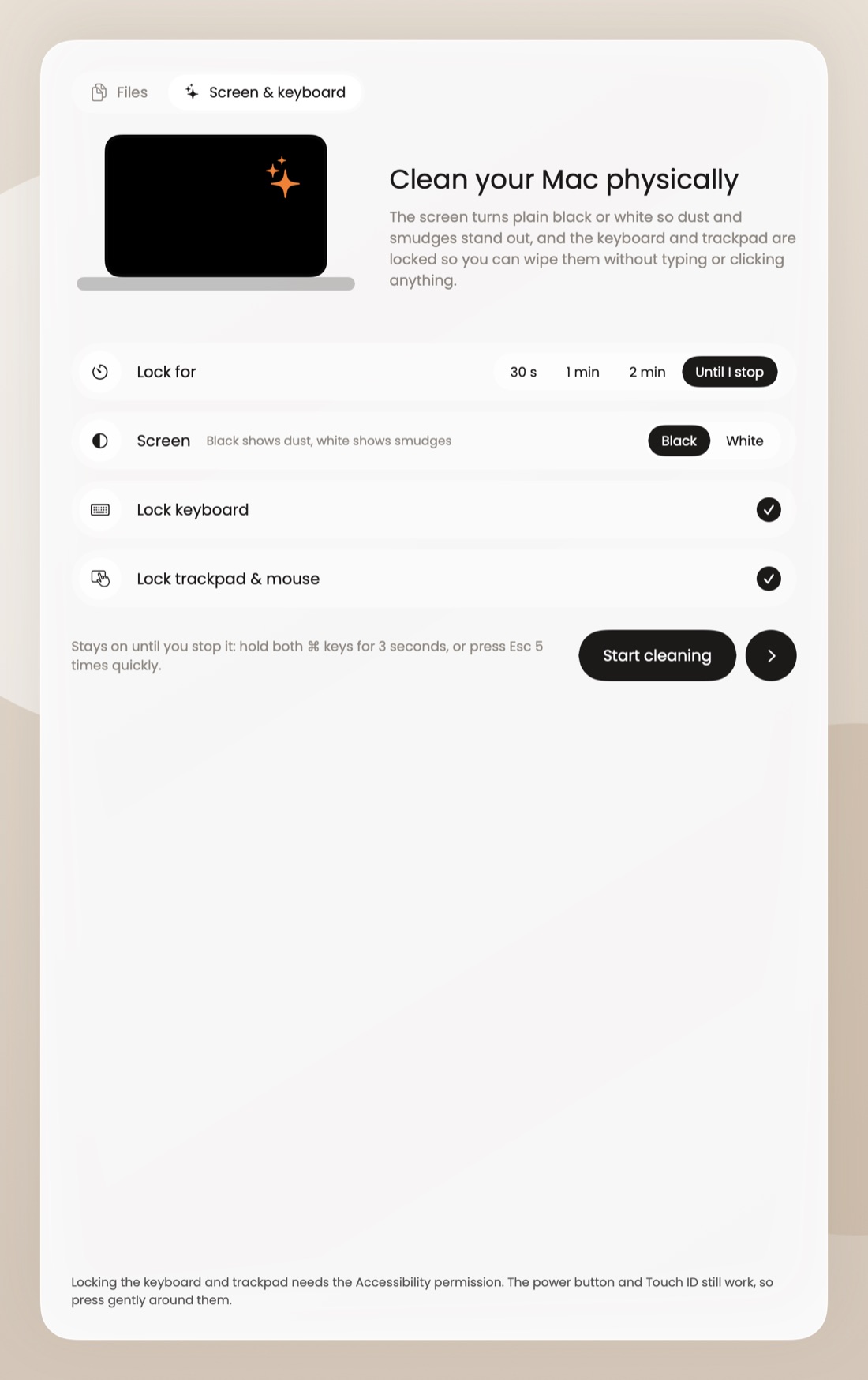
DiskLens Clean your Mac physically screen

Clean it physically

The screen turns black and the keyboard and trackpad lock, so you can wipe away dust without pressing anything.
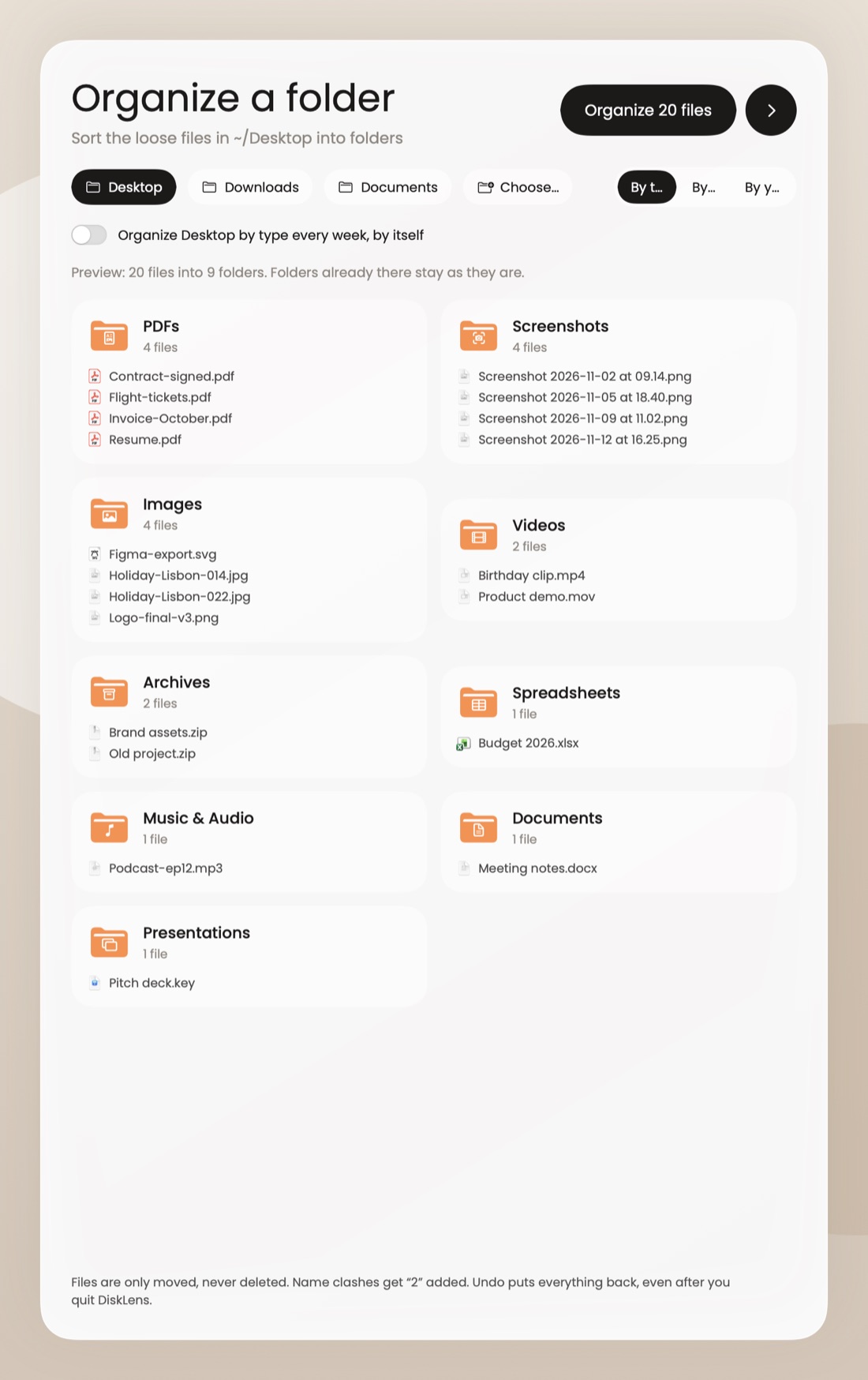
DiskLens sorting Desktop files into folders

Organize your folders

A messy Desktop or Downloads sorted into neat folders by type or date. Once, or every week by itself. Undo anytime.
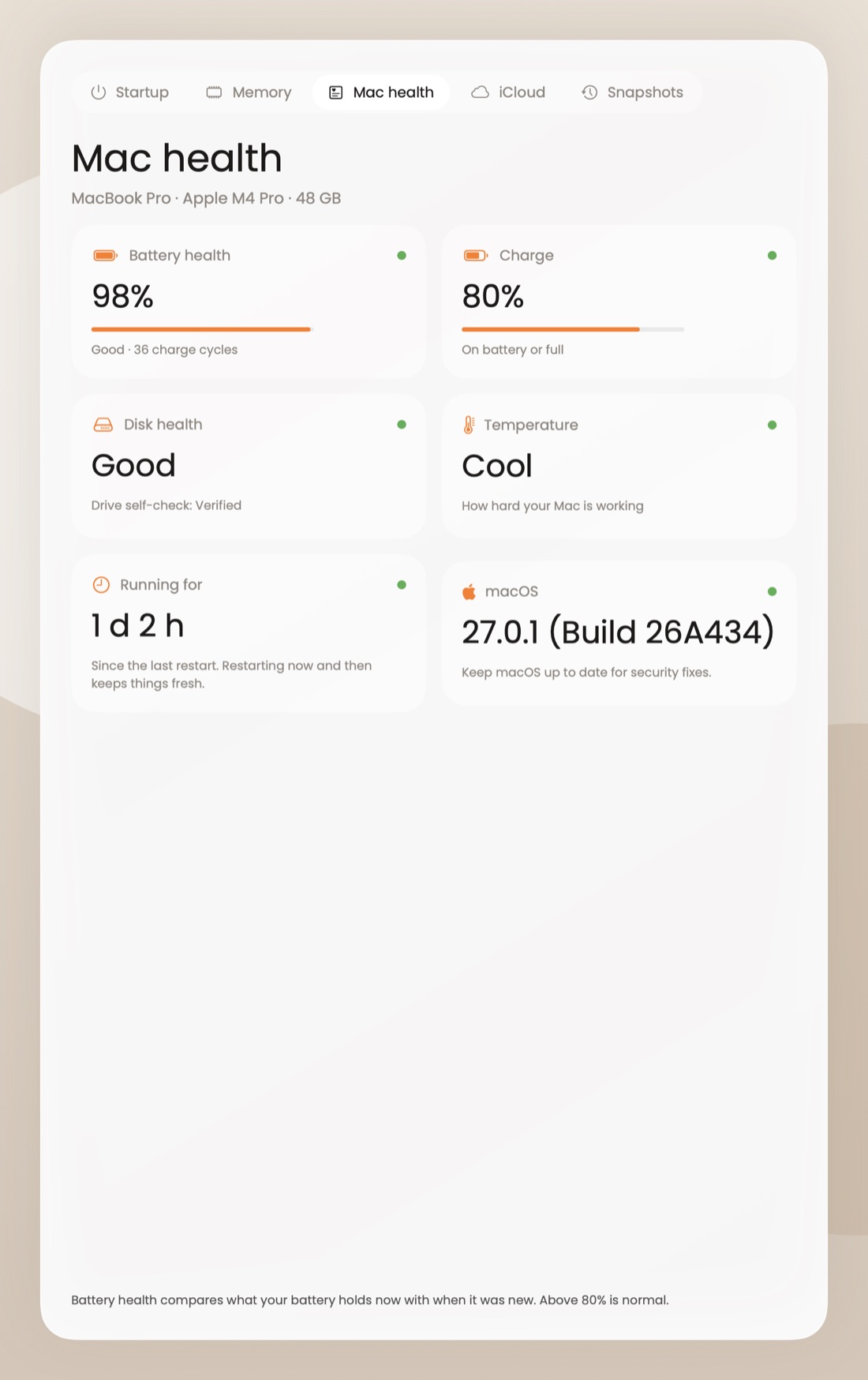
DiskLens Mac health check in the Tools tab

Tools for a healthy Mac

Battery and disk health, memory use, startup apps, iCloud space and Time Machine snapshots, all in one place.

Treemap viewFull app uninstallerMenu bar cardSimilar photosDesktop widgetDark mode
Nothing lost by accidentCleaned files go to the Trash. Change your mind, put them back.
You see it before it goesEvery clean-up and uninstall shows you the list first.
PrivateEverything runs on your Mac. No files are ever uploaded.
Price

$9. Once. That's it.

No subscription, no account.

DiskLens

The full app, for your Mac
$9
one-time payment · 1 download
  • Every feature included
  • No subscription, no account
  • Download right after payment
  • Re-download anytime from your Gumroad Library
Buy now for $9 →

Secure checkout by Gumroad

Questions

Which Macs does it run on?

Macs with Apple silicon (M1 or newer) running macOS 14 Sonoma or later. Intel Macs are not supported.

Can it delete something important?

DiskLens only pre-selects things that are safe to remove, shows you the list first, and moves files to the Trash instead of deleting them. You can put anything back.

Why does it ask for Full Disk Access?

macOS needs it so DiskLens can measure folders like Mail and app data. It works without it, but some folders will show as unreadable.

How do I get it after paying?

Checkout is handled by Gumroad. Right after payment you get the download, plus an email with the link. Lost the file later? Your purchase stays in your Gumroad Library, so you can download it again anytime.